
Securing Your Home Network Step by Step


Your home network is the front door to everything you do online, yet most people set up their router once and never think about it again. If you're anywhere in Liverpool with a house full of laptops, phones, smart speakers and a doorbell camera all leaning on the same wifi signal, it's worth spending twenty minutes getting the basics right. None of this needs technical wizardry. I'll walk you through exactly what I check on my own network, step by step.
Change the Router's Default Login
Every router ships with a default username and password, usually printed on a sticker on the underside. The trouble is those defaults are public information, published in manuals and forums for anyone to find. If you've never changed yours, that's the first job. Log into your router's admin panel (the address is usually on that same sticker), find the login settings and set something unique. This is exactly the kind of credential worth storing in a password manager rather than trying to remember.
Use a Strong, Separate Wifi Password
Your wifi password and your router login are two different things, and both need attention. Skip anything based on your address, your name or a keyboard pattern; those are the first guesses in any list of common passwords. Aim for a long phrase rather than a short jumble of characters, something like four random words strung together. It's easier to remember and harder to crack than any single word with a number stuck on the end.
Set Up a Guest Network for Visitors and Smart Devices
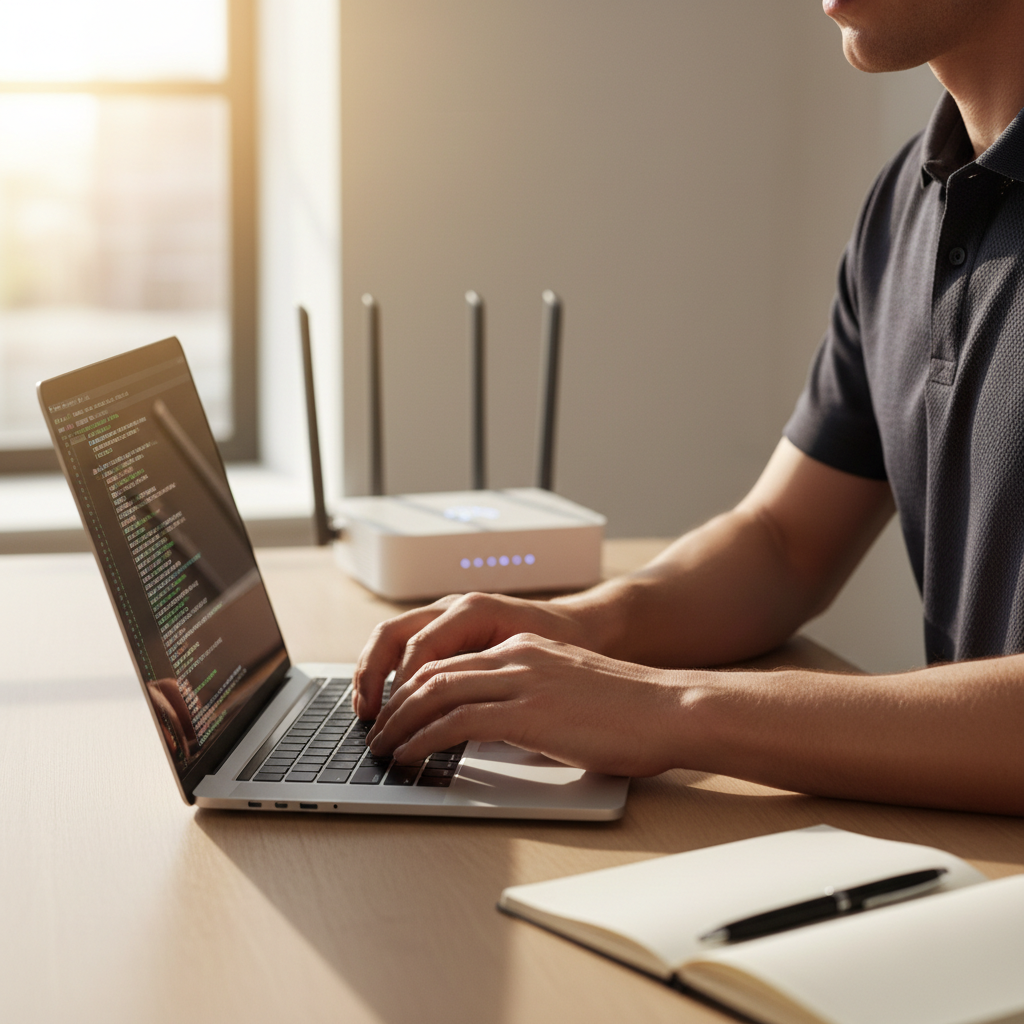
Most routers let you create a second, separate wifi network for guests, and I'd go further: use it for your smart devices too. Smart plugs, doorbells and speakers are notorious for weak security, and if one gets compromised, a guest network keeps it away from the laptop where you do your banking. It also means you're not handing out your main password every time someone pops round.
Keep Your Router's Firmware Updated
Routers get security patches just like your phone or laptop, but nobody reminds you to install them. Check your router's admin panel every few months for firmware updates, and turn on automatic updates if your router supports it. It's a similar habit to switching on two factor authentication for your important accounts; small maintenance tasks that make a real dent in your overall risk.
A Few Extra Habits Worth Building
Beyond the router itself, a few habits go a long way: turn off remote management if you don't need to access your router while you're out, and check occasionally which devices are actually connected to your network. If your provider's router doesn't give you enough control, the National Cyber Security Centre has clear guidance on locking down your setup. And if you want an extra layer of privacy on top of a secure network, a service like NordVPN encrypts your traffic on the way out, which matters most on networks you don't control.
None of this needs to happen in one sitting. Work through it a step at a time, and if you get stuck or just fancy a second pair of eyes on your setup, get in touch and I'll help you sort it. You'll find more free guidance like this in my Safety Toolkit, including checklists you can work through at your own pace. Protecting your personal information starts at home, quite literally, with the network everything else connects through.