
Why I Won't Browse Without a VPN Anymore
The Habit That Changed How I Browse
I used to think a VPN was something only tech people needed, until I actually sat down and looked at how much of my own daily browsing happens on networks I don't control, coffee shop wifi, train stations, a client's office. Once I switched it on properly, I never went back. It's one of those changes that feels invisible day to day but quietly closes off a risk I'd been ignoring for years.
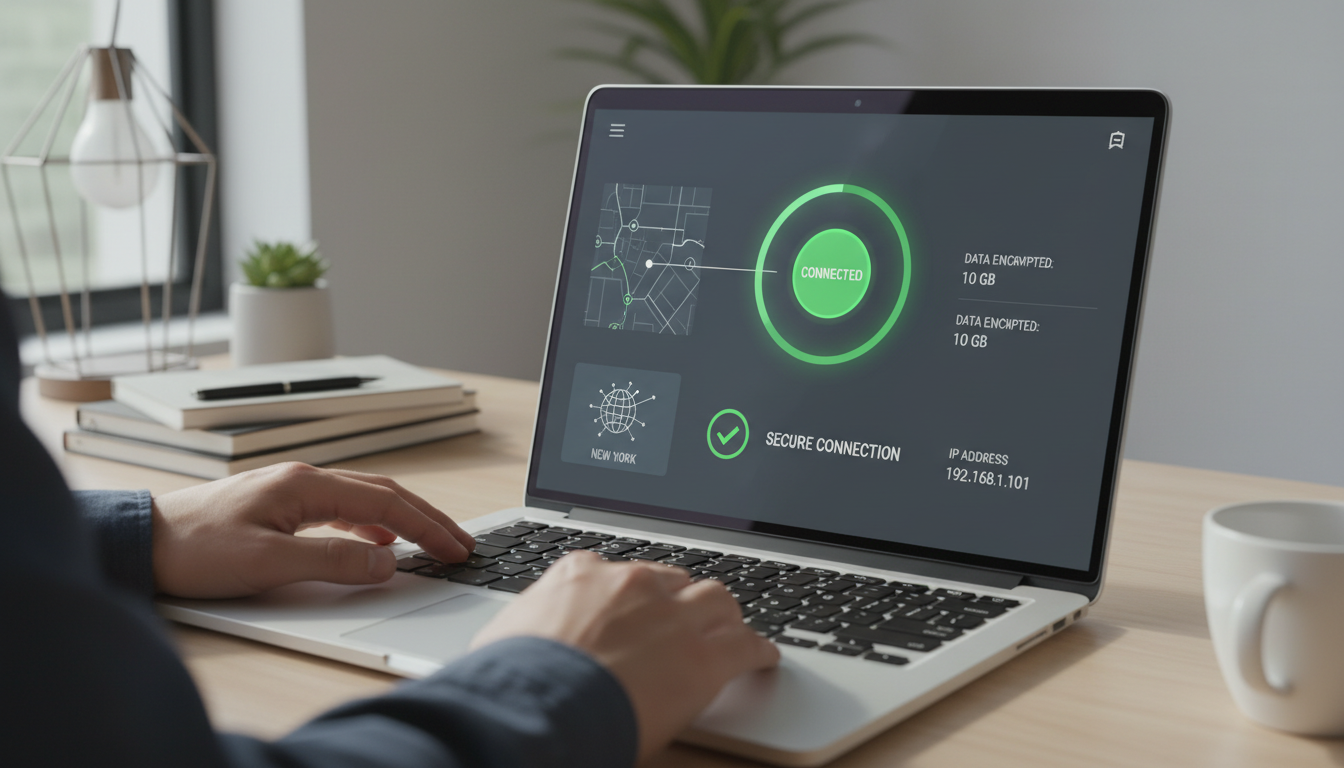
What a VPN Actually Protects You From
A VPN encrypts the connection between your device and the internet, so anyone sharing that same public wifi network can't casually snoop on what you're sending and receiving. It also hides your real IP address, which makes it harder for websites and advertisers to build a location-tagged profile of you over time. It isn't a magic shield against every threat, but it closes a gap that a lot of people don't realise is open. The public wifi risk is the one people picture first, and it's real, a stranger on the same coffee shop network can potentially intercept unencrypted traffic with tools that are trivially easy to find. But I'd argue the IP-masking side matters just as much day to day, since it's what stops your internet provider building a detailed picture of every site you visit, and stops your location leaking to every service you log into while you're travelling.
What a VPN Doesn't Protect You From
It's worth being just as clear about what a VPN won't do, since I still see it marketed as a cure-all. It won't stop you clicking a phishing link, since the encrypted tunnel doesn't care whether the page at the other end is genuine or fake. It won't make you completely anonymous, a VPN provider can usually still see your traffic even if the sites you visit can't, which is exactly why the no-logs policy matters so much. And it won't protect an account that's already been compromised through a leaked password, that's a job for two factor authentication and a password manager, not a VPN. I treat it as one layer in a stack, not the whole stack on its own.
Free vs Paid VPNs: Why I Stopped Trusting Free Ones
I tried a few free VPN apps early on and learned the hard way that free rarely means free. Some logged and sold browsing data to the very advertisers you're trying to avoid, others throttled speeds so badly they weren't worth using. A paid, reputable provider makes its money from subscriptions rather than your data, which is a much better incentive to actually protect you. Running a VPN server costs real money, so when a service is free, something else is usually paying for it, and that something else is often your browsing data. I've also seen free apps cap how much data you can use each month, or limit you to a single overloaded server that makes streaming or video calls painful. None of that is a disaster on its own, but it adds up to a service that's free in name only, and not one I'd trust with a connection I actually care about protecting.
The Features I Actually Check Before Recommending One
I look for a strict no-logs policy that's been independently audited, strong encryption standards, a kill switch that cuts your connection if the VPN drops, and servers in enough locations to actually be useful. Speed matters too, since a VPN that grinds your connection to a halt just gets switched off when you need it most. I'd also add split tunnelling to that list, the option to route only some apps through the VPN rather than all of them, since it's genuinely useful if you want your banking app on your normal connection but everything else tunnelled. And I always check how many devices one subscription actually covers, since a household with a few phones, laptops, and a tablet can burn through a low device limit faster than you'd expect.
When I Actually Turn Mine On
I don't run a VPN every second of every day, and I don't think you need to either. It's on by default whenever I'm away from my own home network, hotel wifi, airport lounges, a cafe between meetings, anywhere I'm sharing a connection with strangers I can't vet. I also switch it on at home occasionally, when I want my streaming service to think I'm somewhere else, or when I'm doing something I'd rather my internet provider didn't have a detailed log of. The one place I'd say it's close to essential rather than optional is travel, hotel networks in particular have a poor track record for security, and it's the setting where I've seen the most real-world abuse.
How I Use NordVPN Day to Day
NordVPN is the one I actually run on my own devices, and it ticks every box above without being complicated to use. I've gone deeper on how I actually got it set up if you want the step by step version, and pairing it with a password manager like NordPass covers the two biggest gaps in most people's setup, secure connections and secure logins, in one go. If you're weighing this up for your own accounts, my Safety Toolkit lists exactly what I use, and I'm always happy to talk it through if you get in touch. It's one of the few pieces of software I'd call a genuine set-and-forget win, since once it's configured to launch automatically, I don't think about it again until the day it quietly stops something worse from happening.