
What I Actually Look For When Choosing a Password Manager


What I Actually Look For When Choosing a Password Manager
I get asked which password manager to use more than almost any other single question, and for a long time I gave a fairly shallow answer, just pick one of the well known names and get on with it. That's not wrong exactly, but it skips past the actual reasons some of these tools are worth trusting with every password you own and others really aren't. These are the five things I genuinely check before I'll recommend a password manager to anyone, in the order I check them.
Zero-Knowledge Encryption Isn't Optional
This is the one I check first and the one I won't compromise on at all. A proper password manager encrypts your data on your own device before it ever reaches the company's servers, using a master password only you know, which means even the company running the service can't read your stored passwords if they wanted to. That's what "zero-knowledge" actually means in practice, not just a marketing phrase on a features page. If a provider can reset your master password for you, or their support team can technically view your vault contents, that's a structural weakness, not a convenience feature. I ask this question directly when I'm evaluating anything new, because everything else on this list matters a lot less if the underlying architecture doesn't hold up.
How Well It Syncs Across Every Device I Own
The best password manager in the world is useless if it only works properly on one device, and I've tried tools that technically synced across platforms but did it so unreliably that I stopped trusting them within a week. I test this properly before recommending anything, adding a password on my laptop and checking it shows up correctly on my phone within a reasonable time, editing an entry on one device and confirming the change actually propagates rather than creating a silent conflict. A password manager that makes you second-guess whether you're looking at the current version of a saved login isn't saving you any real hassle over just typing passwords manually, and that defeats the entire point of using one in the first place.
Whether Autofill Actually Works Reliably
This sounds like a minor detail until you're the person retyping a twenty character random password by hand because autofill silently failed on one particular app or website. Good autofill should work consistently across your browser, your phone's apps, and any awkward login forms that don't follow standard web conventions, and it should recognise when you're on a genuine login page versus prompting you somewhere it shouldn't. I've used password managers where autofill worked beautifully on major sites and fell over completely on smaller ones, which quietly pushes people back toward memorising a handful of weak passwords out of sheer frustration. If a tool makes using strong unique passwords more annoying than not using them, most people will eventually stop bothering, so this matters far more than it sounds like it should.
What Happens If I Ever Need to Leave
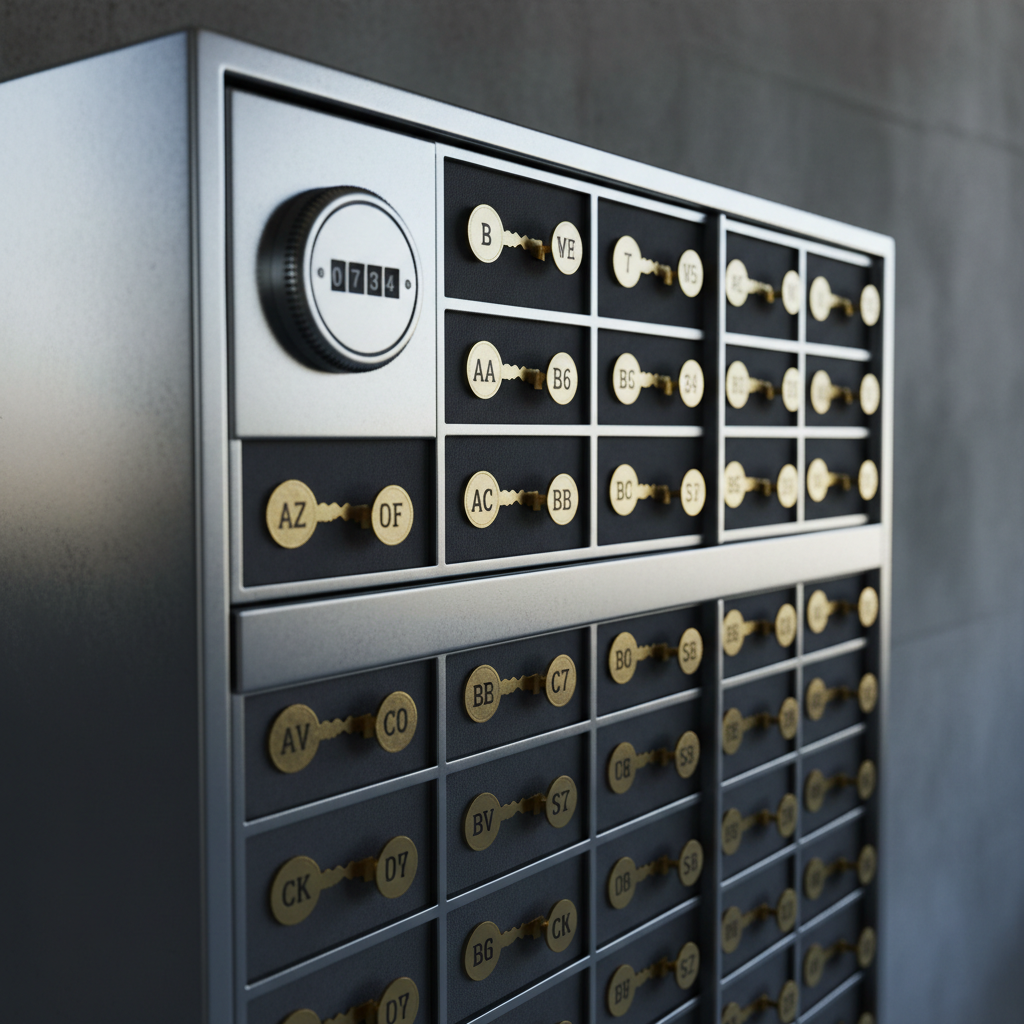
I always check the exit before I recommend the entrance, and this is the step people skip most often. A genuinely trustworthy password manager lets you export your full vault in a usable, non-proprietary format whenever you want, no waiting period, no support ticket required, no deliberately awkward process designed to make leaving painful. If a provider makes exporting difficult or buries the option somewhere obscure, that tells me they're relying on lock-in rather than on being good enough that you'd want to stay anyway. I've recommended switching people away from a couple of well marketed options purely on this point, because a service that quietly makes your own data hard to get back out isn't one I'm comfortable putting anyone's full password list into.
Price Versus What You're Actually Paying For
I'm not automatically against paying for a password manager, a well built one is genuinely worth the cost of a couple of coffees a month, but I do check exactly what a subscription buys you before recommending it. Some paid tiers exist purely to unlock basic multi-device sync that arguably should be standard, while others charge for genuinely valuable extras like secure family sharing, dark web breach monitoring, or built-in two-factor authentication code generation. I look at what's actually locked behind a paywall rather than the price tag on its own, because a cheaper option that includes everything you need beats an expensive one padded out with features you'll never touch. NordPass is the one I've ended up using and recommending on this basis specifically, it covers the core list above properly rather than treating any of it as a premium add-on.
None of these five checks are complicated once you know to look for them, it's just that most people never get shown the list, they just pick whatever's recommended in the first article they read and hope for the best. Confirm the zero-knowledge architecture, test the sync properly across your actual devices, check autofill on the sites you use most rather than just the obvious ones, look at how easy it would be to leave before you commit to staying, and weigh the price against what's genuinely included rather than what's advertised. Getting this right once means you're not migrating your entire password list again in a year out of frustration. My free Safety Toolkit covers the rest of what I'd actually recommend if you want to work through your wider setup properly, and the NCSC has its own guidance on password managers if you want a second source alongside mine.