
Top Tips to Stay Safe Online: Protecting Yourself from Cybercriminals
JK
Understanding Cyber Threats
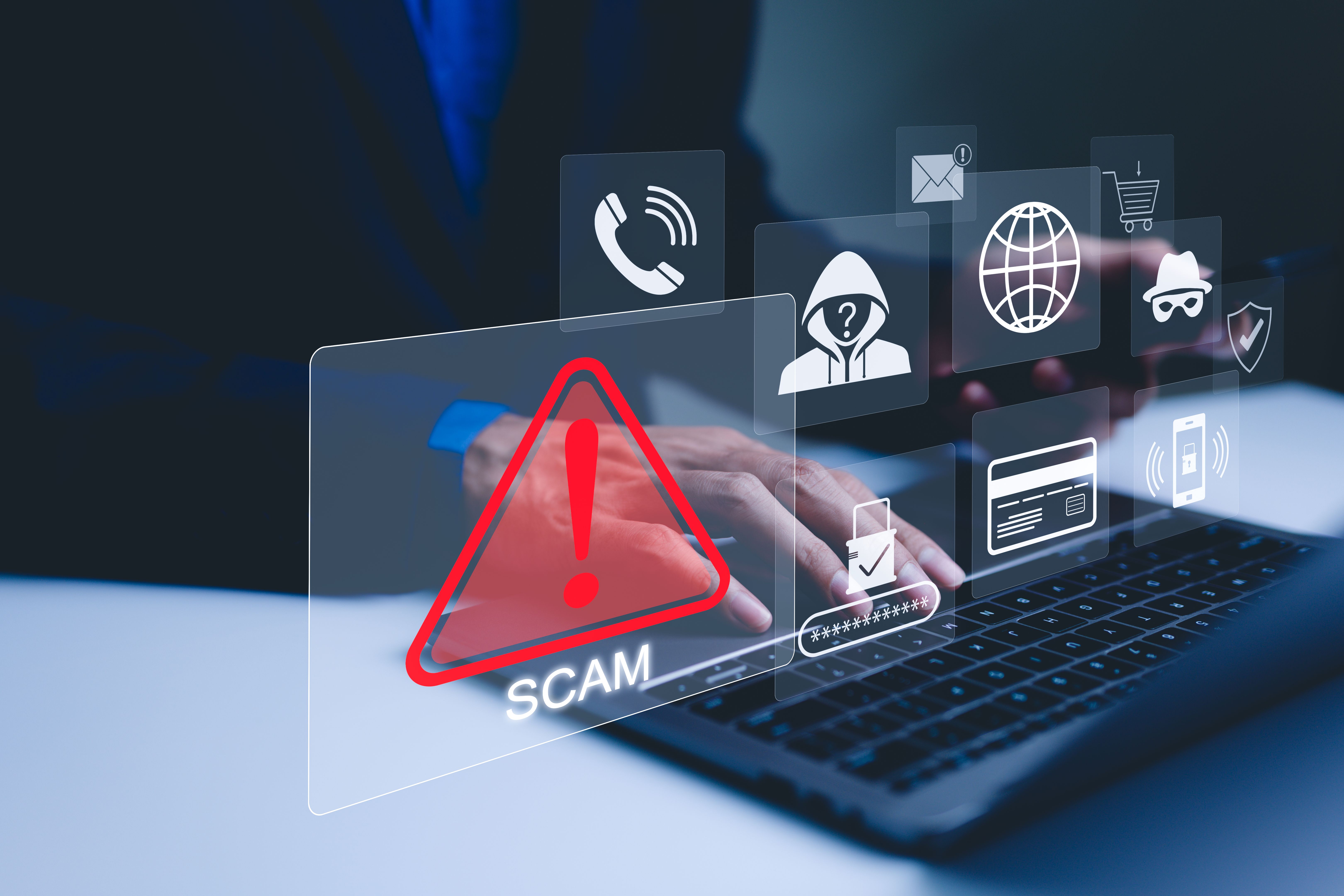
In today's digital age, staying safe online is more crucial than ever. Cybercriminals are constantly developing new strategies to exploit vulnerabilities and access personal information. It's essential to understand the types of threats you might face, such as phishing scams, malware, and identity theft. Being aware is the first step to protecting yourself.
Using Strong, Unique Passwords
Your passwords are the keys to your digital life, and using strong, unique passwords is one of the most effective ways to protect yourself online. Avoid using easily guessable information like birthdays or common words. Instead, use a combination of letters, numbers, and symbols to create complex passwords.
Consider using a password manager to keep track of your passwords. This tool can generate and store strong passwords, ensuring that each account has a unique key. Regularly updating your passwords is another good practice to enhance security.
Enabling Two-Factor Authentication
Two-factor authentication (2FA) adds an extra layer of security to your accounts. By requiring a second form of verification, such as a text message or authentication app, 2FA makes it significantly harder for cybercriminals to gain unauthorized access.
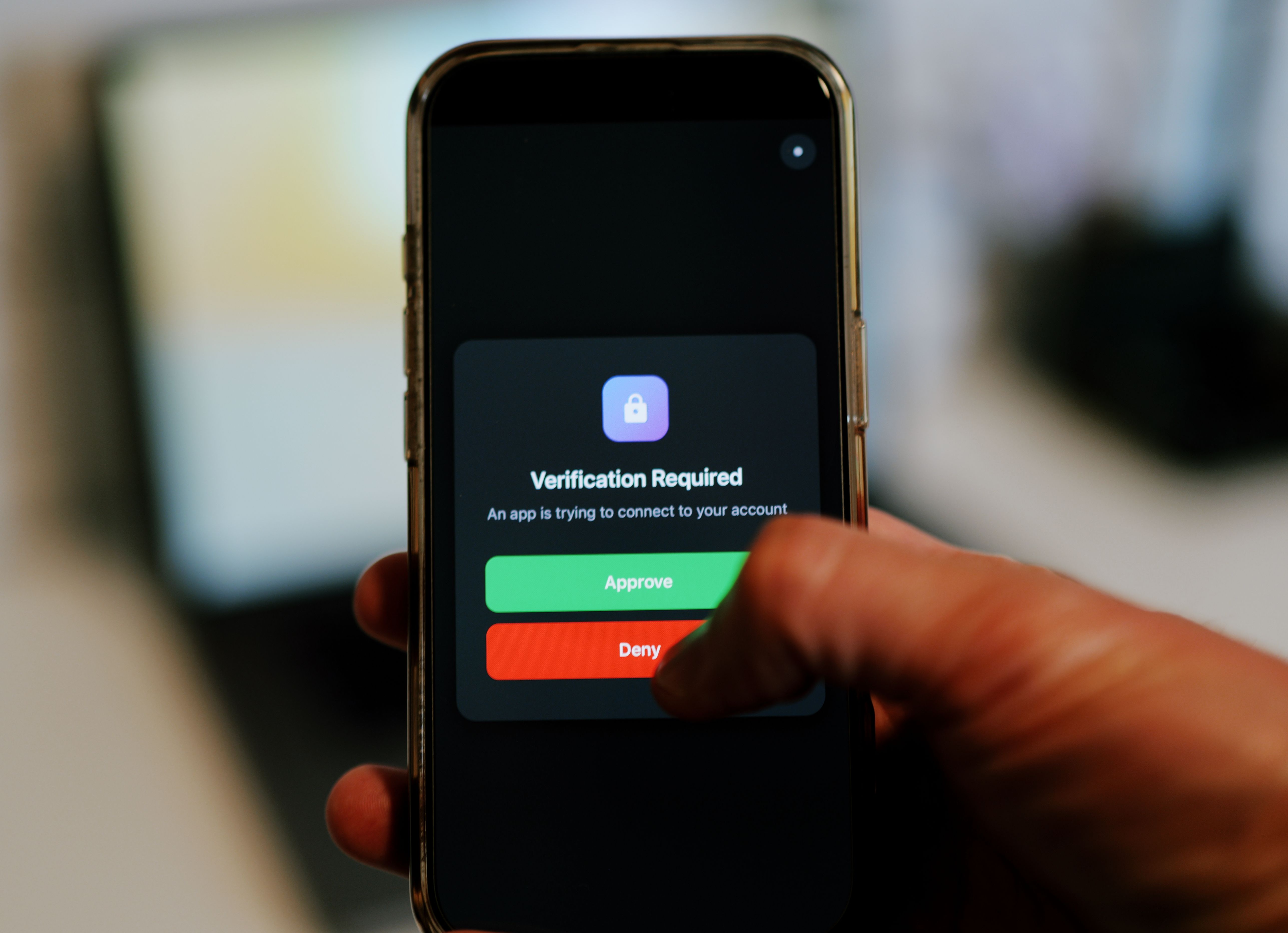
Enable 2FA on all accounts that offer it, especially those containing sensitive information. This small step can make a big difference in safeguarding your data.
Recognizing Phishing Attempts
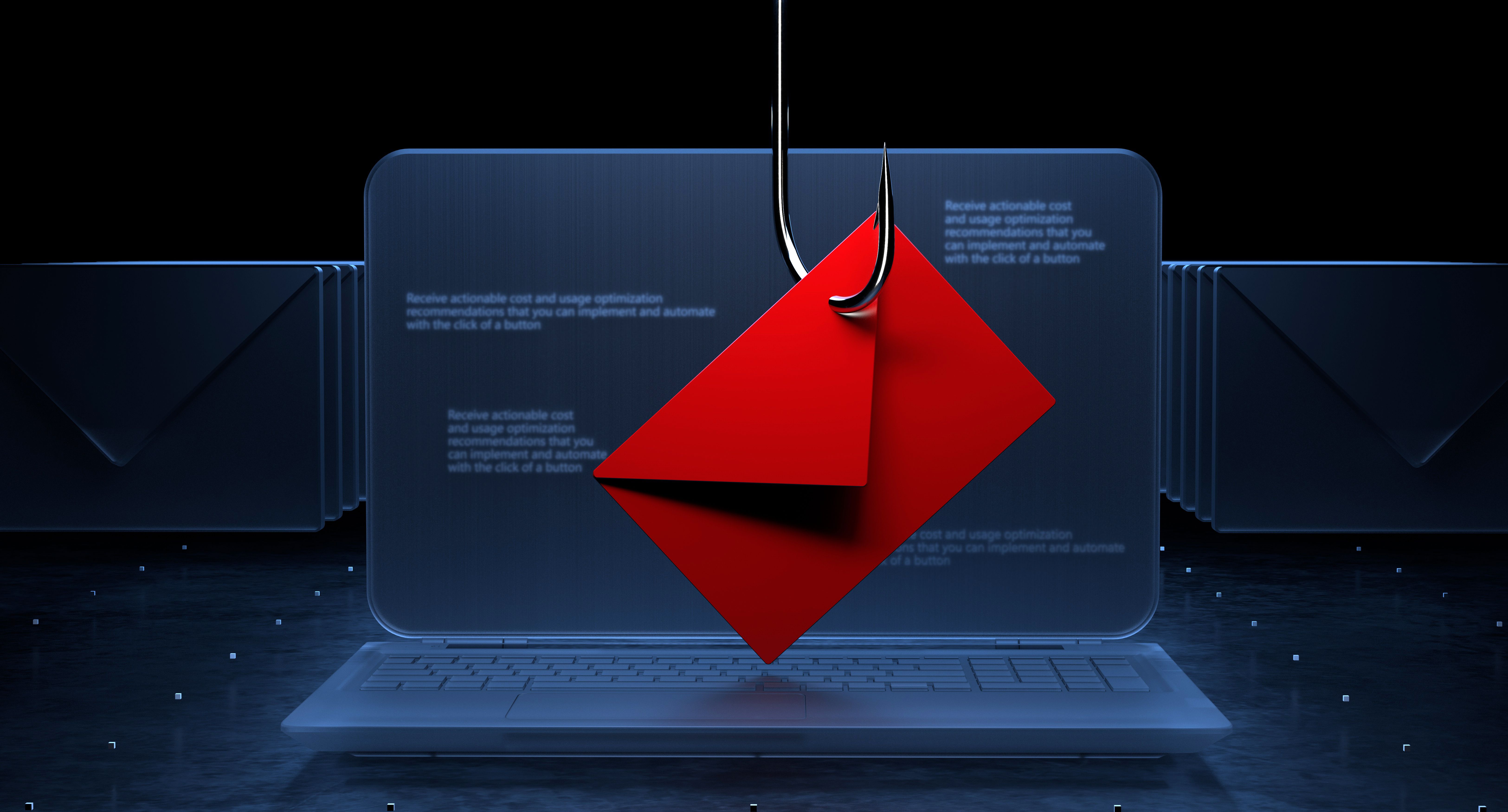
Phishing attacks are designed to trick you into revealing personal information by pretending to be legitimate communications. Be cautious of emails or messages asking for sensitive information, especially if they contain urgent requests or suspicious links.
Always verify the sender's email address and look for signs of phishing, such as poor grammar or generic greetings. If in doubt, contact the organization directly through official channels to confirm the legitimacy of the request.
Keeping Software Updated
Keeping your software up to date is crucial for online safety. Software updates often include security patches that fix vulnerabilities exploited by cybercriminals. Ensure that your operating system, browsers, and applications are set to update automatically.
In addition to updating software, consider using reputable antivirus and anti-malware programs. These tools can detect and neutralize threats before they cause harm.
Practicing Safe Browsing Habits
Safe browsing habits are a key component of online security. Be cautious when visiting unfamiliar websites and avoid clicking on suspicious ads or links. Use secure, encrypted connections (HTTPS) whenever possible to protect your data from being intercepted.

Regularly clear your browser cache and cookies to protect your privacy. Additionally, adjust your browser's privacy settings to enhance security and minimize data tracking.
Conclusion
Protecting yourself from cybercriminals requires vigilance and proactive measures. By understanding potential threats and implementing the tips outlined above, you can significantly reduce your risk of falling victim to cyberattacks. Stay informed and make online safety a priority to safeguard your personal information.