
What Layers Protect You From Phishing Emails?


Most phishing advice is about catching the message once it's already sitting in front of you: check the sender, look for spelling mistakes, hover over the link before clicking. That's useful, but it puts the whole job on me noticing something wrong in the two seconds before I tap anything. I don't trust myself to be that sharp every single time, especially on a rushed morning with three tabs open and a coffee going cold. What actually protects me is a stack of defences running quietly in the background whether or not I'm paying close attention that day, so one bad decision in one moment doesn't automatically turn into a real problem. I've pulled every check together in one guide on how to identify a phishing email, if you want the full version.
My Email Provider's Spam Filter Does More of the Job Than People Realise
Long before a phishing email has any real chance of reaching me, most of them are already gone. My email provider's spam filter quietly strips out the bulk stuff, the obvious mass-sent scams, before they ever land in my inbox at all. I used to think of that filter as background noise I could safely ignore, right up until I actually looked at what was sitting in the spam folder on an ordinary week. It's not just careless clutter, it's a genuine first line of defence that's already doing more filtering than I could ever manage by eye alone. I still check that folder every so often, not because I expect to find something legitimate stuck in there, but because marking things correctly, phishing as phishing rather than just deleting it and moving on, is part of what keeps the filter sharp over time.
A Password Manager Won't Autofill on a Fake Site, and That's Caught Me More Than Once
The single most useful anti-phishing tool I use isn't marketed as one at all. My password manager checks the exact domain before it offers to fill anything in, and if the site I've landed on isn't the real one, character for character, it simply stays quiet. No login box gets filled, no password gets handed over automatically. That's flagged fake banking pages and lookalike login screens for me more than once, in moments where the page itself looked convincing enough that I might well have typed my details in manually without a second thought. It's a strange thing to lean on a password manager as your fraud detector, but that's genuinely become one of its main jobs for me. If you're still typing logins from memory on every site, that's one entire layer of protection you're going without.
Two-Factor Authentication Is the Backstop for the Day My Judgement Slips
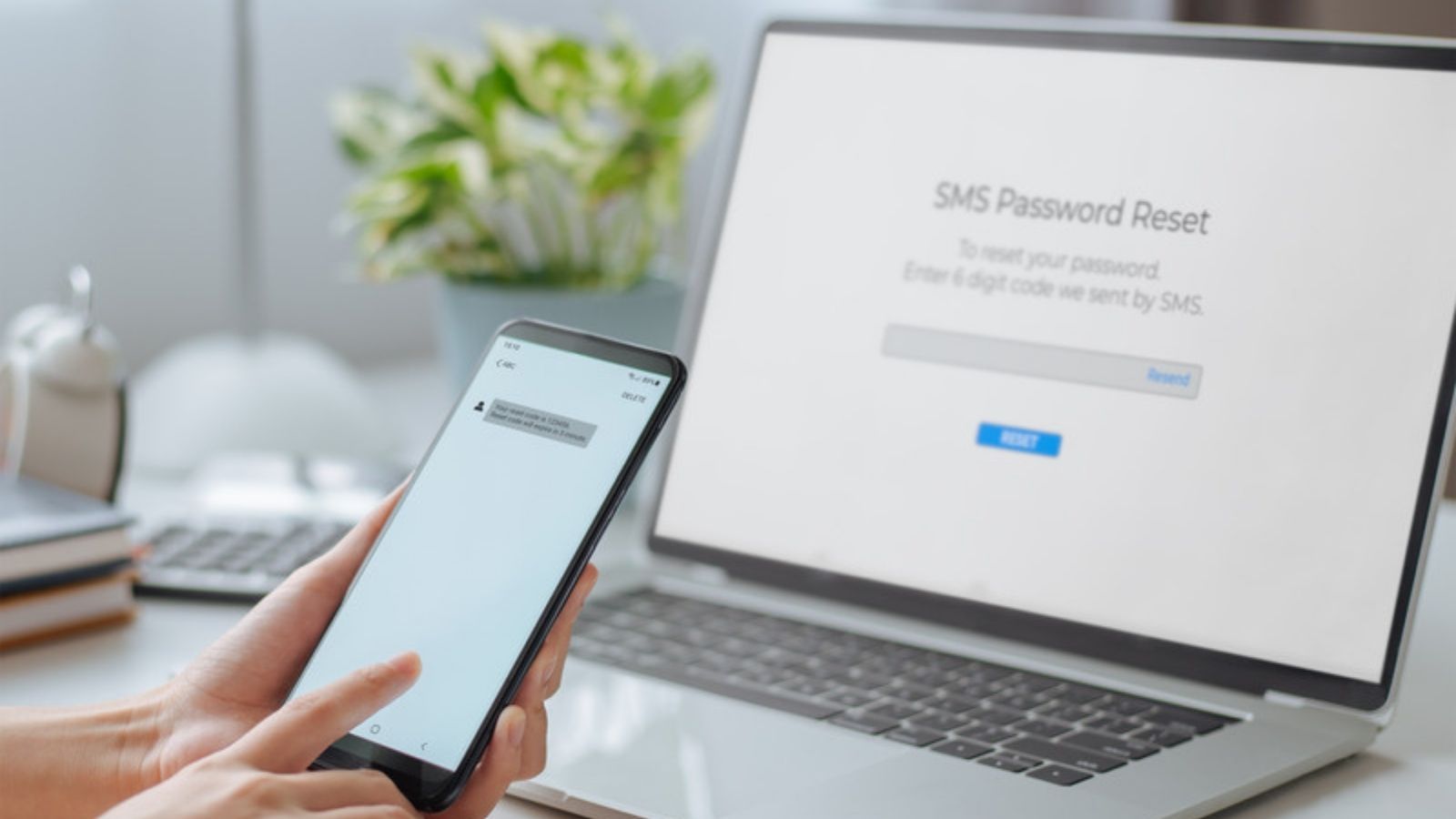
Even with every other defence in place, I assume there will eventually be a day my judgement slips and I hand over a password to a page I shouldn't have trusted. That's what two-factor authentication is actually for, as far as I'm concerned. It isn't there to stop the phishing attempt itself, it's there to stop a stolen password from actually being enough to get in. An app-based code or a physical security key means a phished password on its own is close to useless to whoever's holding it. I've written before about the different kinds of two-factor authentication and which one I actually trust, because not every version offers the same level of protection, but having some form of it turned on everywhere is what keeps a single bad click from spiralling into an actual account takeover.
My Browser Warns Me Before a Known Phishing Page Even Loads
Modern browsers keep running lists of known phishing and malware sites, and mine checks every page I try to load against that list before it renders anything at all. It's not a perfect system, brand-new fake sites won't be flagged yet because nobody's reported them, but it catches a genuine share of recycled and reused phishing pages before I even get the chance to look at them properly myself. I keep that protection switched on rather than treating it as something that just slows the browser down, because the handful of times it's actually stopped me landing on something dangerous have been worth every extra half-second of load time.
I Use a Different Email Address for Anything That Doesn't Need My Real One
The less my main email address is floating around in random databases, the fewer opportunities there are for it to end up on a phishing list in the first place. I keep a separate address for one-off signups, competitions, and anything I'm not fully confident about, so if that address does eventually get caught up in a data breach or sold on somewhere, it isn't connected to my banking, my main accounts, or anything that actually matters to me. It's a small habit on its own, but it genuinely cuts down how often my real inbox becomes a target at all.
Why I Treat Suspicious Texts and Phone Calls the Same Way I Treat Email
Phishing doesn't stay in your inbox anymore, and treating email as the only channel worth being careful about leaves an obvious gap. A text claiming to be a delivery company asking me to pay a small customs fee, a call from someone claiming to be my bank's fraud team, a voicemail about a parcel I'm not expecting, all get exactly the same treatment as a suspicious email: I don't click the link, I don't call the number provided, and I don't confirm any personal details on the spot. If a caller claims to be my bank, I hang up and ring the number on the back of my card myself, since a genuine fraud team will never be offended by that and a scammer posing as one always is.
Reporting Is Part of the System, Not Just Cleanup After the Fact
Every phishing email I do spot gets reported, not just deleted and forgotten about. I've got a specific habit I never skip once I've identified one, because reporting isn't just tidying up after the fact, it feeds back into the systems that protect everyone else too, including the spam filter I mentioned right at the start. The National Cyber Security Centre runs a reporting service for exactly this, and forwarding a phishing attempt on takes less time than it took to actually spot it in the first place.
None of these layers are enough on their own. The spam filter misses things, the password manager can't help on a site I've never set up a login for, and two-factor authentication doesn't stop me handing over other information a scammer might ask for directly. What actually works is having all of them running at once, so a single mistake in any one moment gets caught somewhere else in the chain instead of becoming the whole story. My free Safety Toolkit covers how to set most of this up from scratch, and NCSC has further guidance if you want to go deeper into any one layer of it.
I also share printable checklists and quick safety tips as pins, so follow me on Pinterest too.
Keep reading
This guide is part of Kells Security Solutions, where I explain online safety in plain English. Next, have a look at the difference between phishing and other scams or how to build a password worth trusting. If something has already gone wrong, here is where to report a scam in the UK.