
How I Spot a Phishing Email Before I Click Anything


I get sent screenshots of dodgy emails more than almost anything else. Most of the time, the person already suspects something's off, they just want someone to confirm it before they either delete it or click something they shouldn't. Here's exactly what I look at, in order, every single time.
The First Thing I Check: The Sender Address
Before I read a single word of the message, I look at who it's actually from. Not the display name, the address underneath it. A message claiming to be from your bank should come from your bank's actual domain, not something like a random free email address or a string of random letters. Most email apps let you tap or hover on the sender name to reveal the real address. It takes two seconds and catches more fakes than anything else on this list.
Why Urgency Is Always a Red Flag
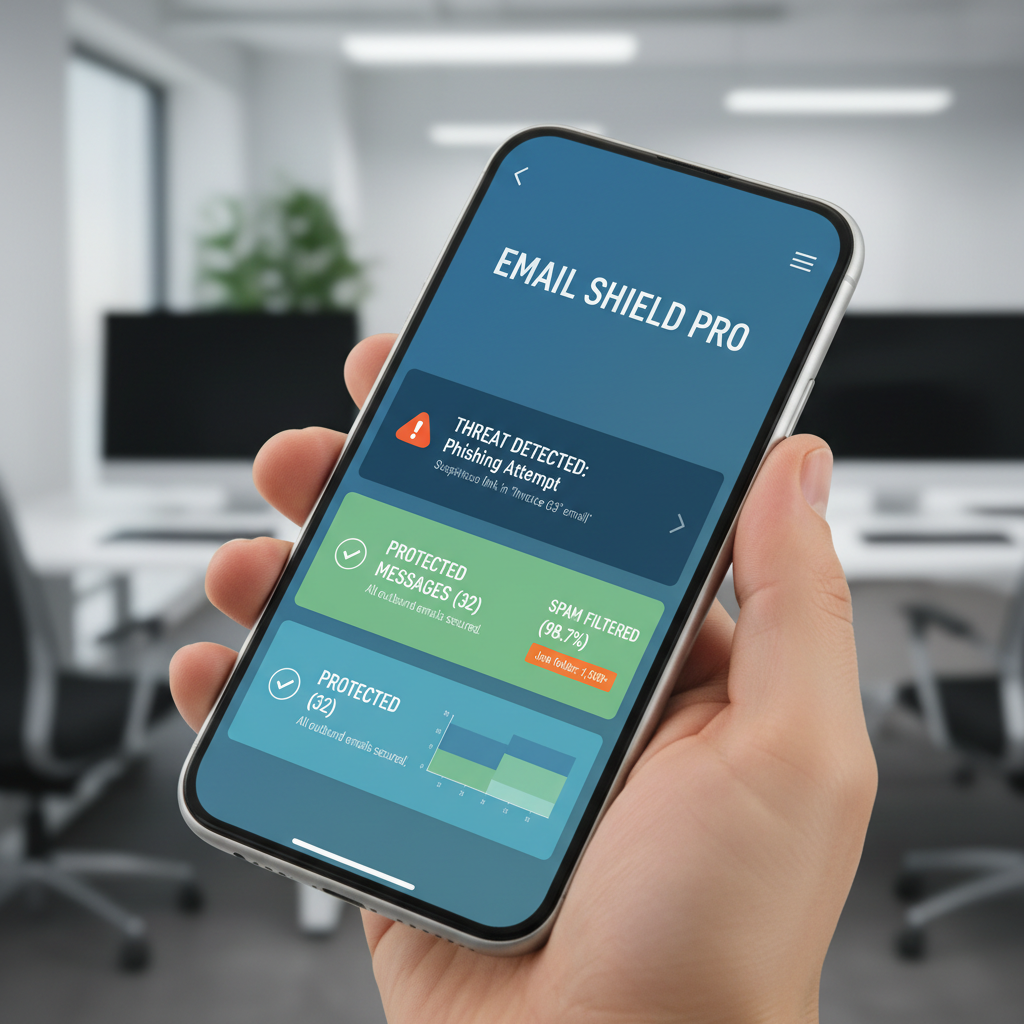
Real organisations very rarely need you to act in the next ten minutes. Scam emails almost always do, account suspended, payment failed, parcel held, verify now or lose access. That pressure is the whole point, it's designed to stop you thinking clearly and start you clicking. If an email is pushing you to act immediately, that's usually the strongest signal something's wrong, not the content of the message itself.
Hovering Before Clicking Anything
On a desktop, I hover over any link before I click it and check the address that pops up at the bottom of the screen. On a phone, I press and hold the link instead of tapping it, which shows a preview of where it actually goes. If the web address doesn't match the company it claims to be from, or it's a jumble of characters, I don't touch it. I've mentioned the red flags I always check first before, it's worth repeating because it genuinely stops most phishing attempts dead.
What I Do When I'm Not Sure
If I'm still not certain, I don't reply to the email and I don't use any link or phone number inside it. I go directly to the company's website by typing the address myself, or I call the number on the back of my card if it's about a bank. That way I know I'm actually talking to who I think I'm talking to. It takes an extra two minutes and it's saved me more than once.
Building the Habit So It's Automatic
None of this works as a one-off check, it needs to become automatic. I treat every unexpected email asking for information or action as guilty until proven innocent. Pair that habit with a password manager like NordPass so a compromised email account doesn't cascade into every other account you own, and turn on two factor authentication everywhere it's offered. If you ever do click something you shouldn't have, report it through Action Fraud so it's on record, and change your passwords straight away. My Safety Toolkit has the tools I use myself, and if you want a second pair of eyes on a suspicious email, feel free to get in touch.