
How to Recognize and Avoid Phishing Emails: Expert Advice
JK
Understanding Phishing Emails
Phishing emails are deceptive messages designed to trick recipients into revealing sensitive information. Cybercriminals often disguise these emails as legitimate communication from trusted sources. Recognizing these emails is crucial in safeguarding your personal and financial data.
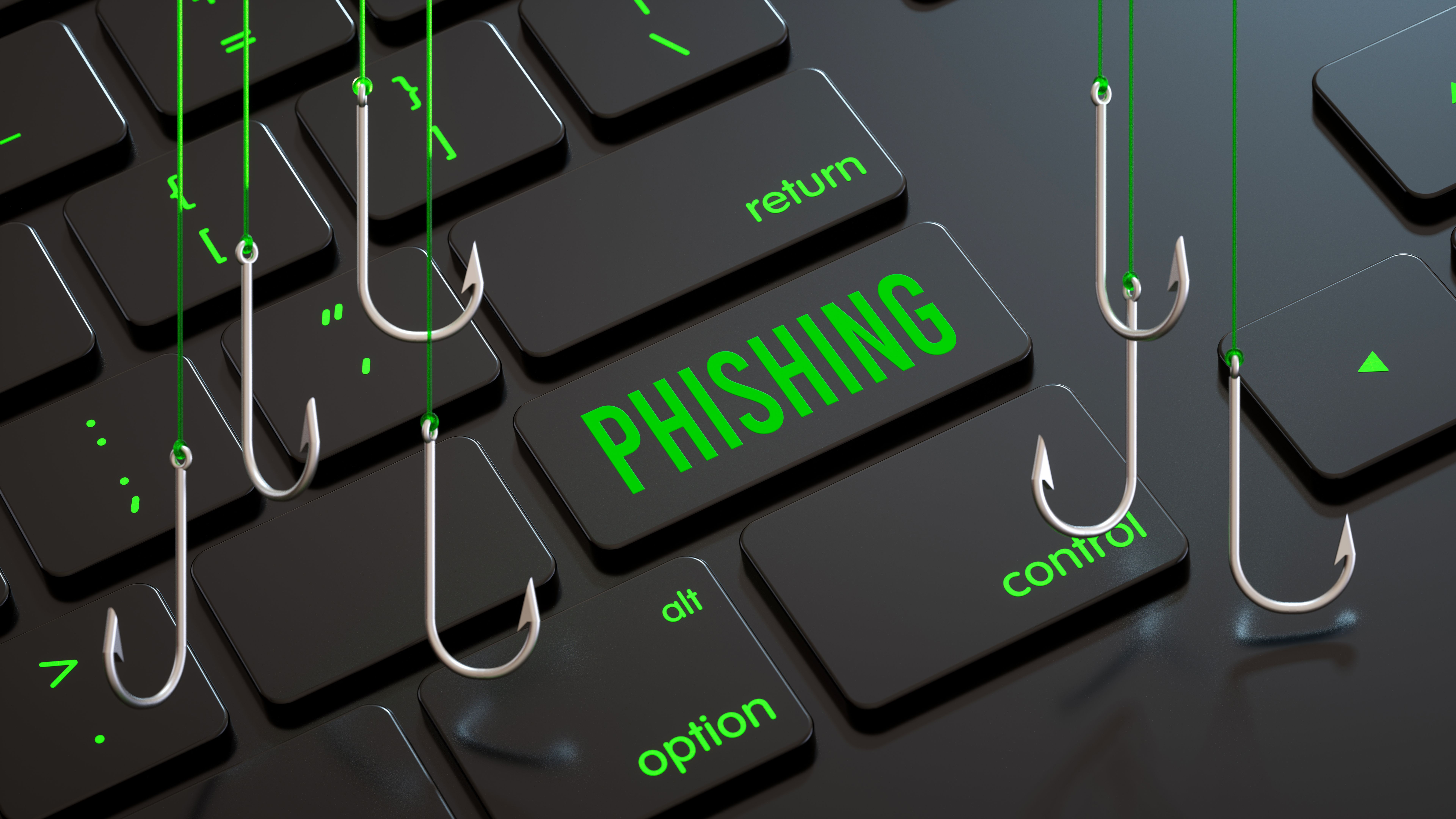
Typically, phishing emails aim to steal passwords, credit card numbers, or other personal information. They often contain malicious links or attachments that, when clicked, can install malware or direct you to fraudulent websites. Being aware of the common characteristics of phishing emails can help you avoid falling victim to these scams.
Common Signs of Phishing Emails
Phishing emails often have telltale signs that can help you identify them. Here are some common indicators:
- Generic Greetings: Emails that start with "Dear Customer" instead of your name.
- Urgent Language: Phrases like "Immediate Action Required" or "Your Account Will Be Suspended" to create panic.
- Suspicious Links: Hover over links to see where they lead. Phishing emails often use links that appear legitimate but direct you to a different website.
By paying attention to these signs, you can better protect yourself against phishing attempts. Always verify the source before responding to any email requesting personal information.
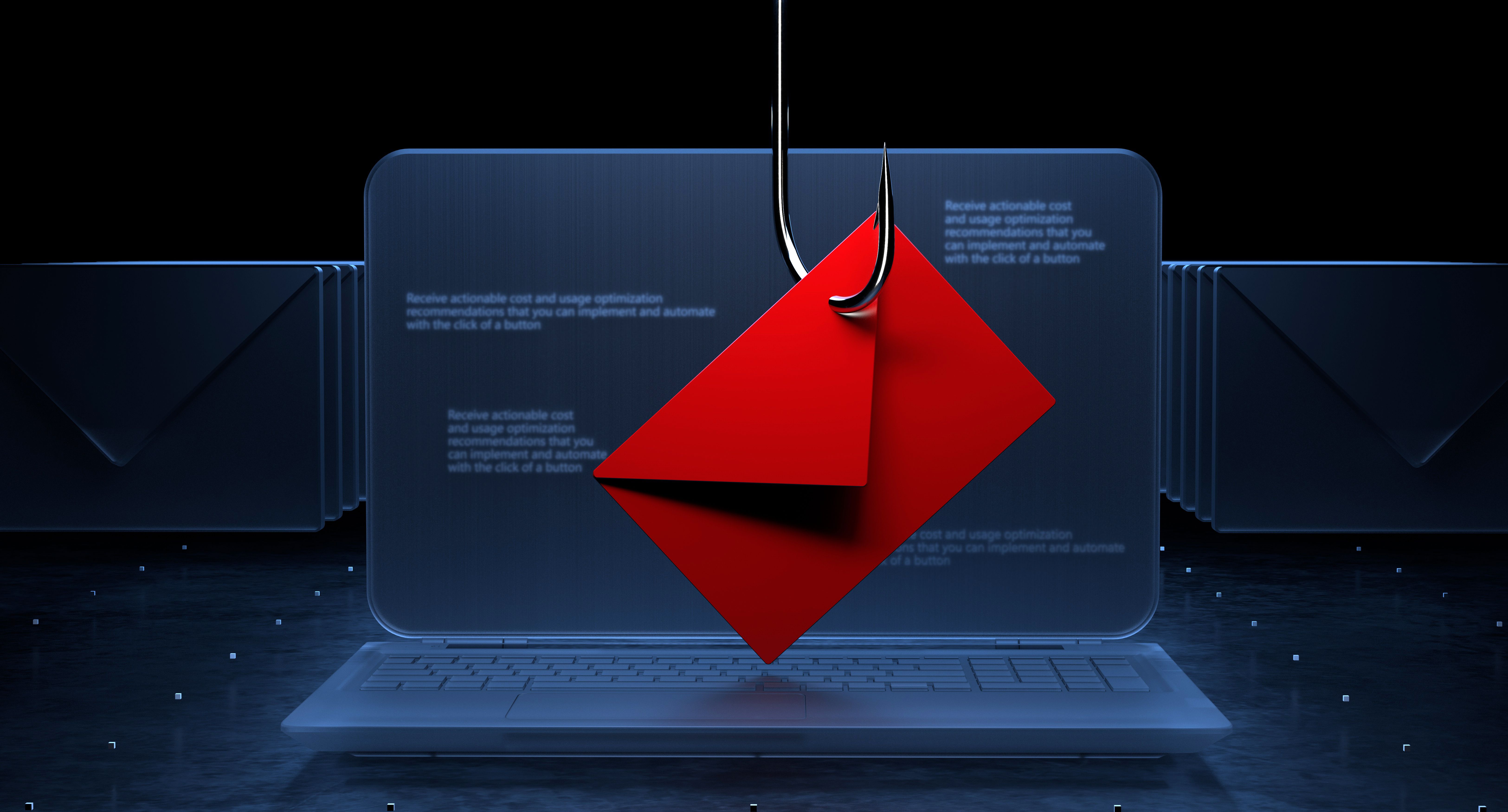
Steps to Avoid Phishing Scams
Avoiding phishing scams requires vigilance and a proactive approach. Here are some effective strategies:
- Enable Two-Factor Authentication: This adds an extra layer of security to your accounts.
- Keep Software Updated: Regular updates ensure you have the latest security patches.
- Use Anti-Phishing Tools: Many email services offer built-in tools to detect and block phishing attempts.
These steps can significantly reduce the risk of falling prey to phishing attacks. Taking a few moments to verify the authenticity of an email can save you from potential harm.

What to Do If You Suspect a Phishing Attempt
If you suspect an email is a phishing attempt, do not click any links or download attachments. Instead, report the email to your email provider or IT department. You can also forward the email to organizations like the Anti-Phishing Working Group.
It's also wise to monitor your financial accounts for any unusual activity. Early detection can prevent further damage and help authorities track down the perpetrators.
Conclusion
Phishing emails pose a significant threat, but with the right knowledge and tools, you can protect yourself. Stay informed about the latest phishing tactics and continue to educate yourself and others about online safety.
By recognizing the signs and taking preventative measures, you can keep your personal information secure and maintain peace of mind in your digital interactions.